Fixing a friend's hot, mouldy garage with an ESP32 and an IR LED
The garage was an oven by midday and started growing mould. A $10 microcontroller pretending to be the AC's remote, a schedule, and a temperature log fixed it without buying a smart AC.
Last summer a friend had a problem with their garage. It’s closed most of the day, and by midday it turns into an oven. Worse, the heat plus humidity started showing up as mould: a musty smell, spots on the walls, and a bad feeling about everything stored in there.
There’s a split AC on the wall, but nobody is in the garage to switch it on, and leaving it running all day is a waste. What they needed was simple: run the AC at the right times every day, without anyone touching the remote, and prove that it’s working.
It’s warming up again, so here’s the write-up of how I solved it.
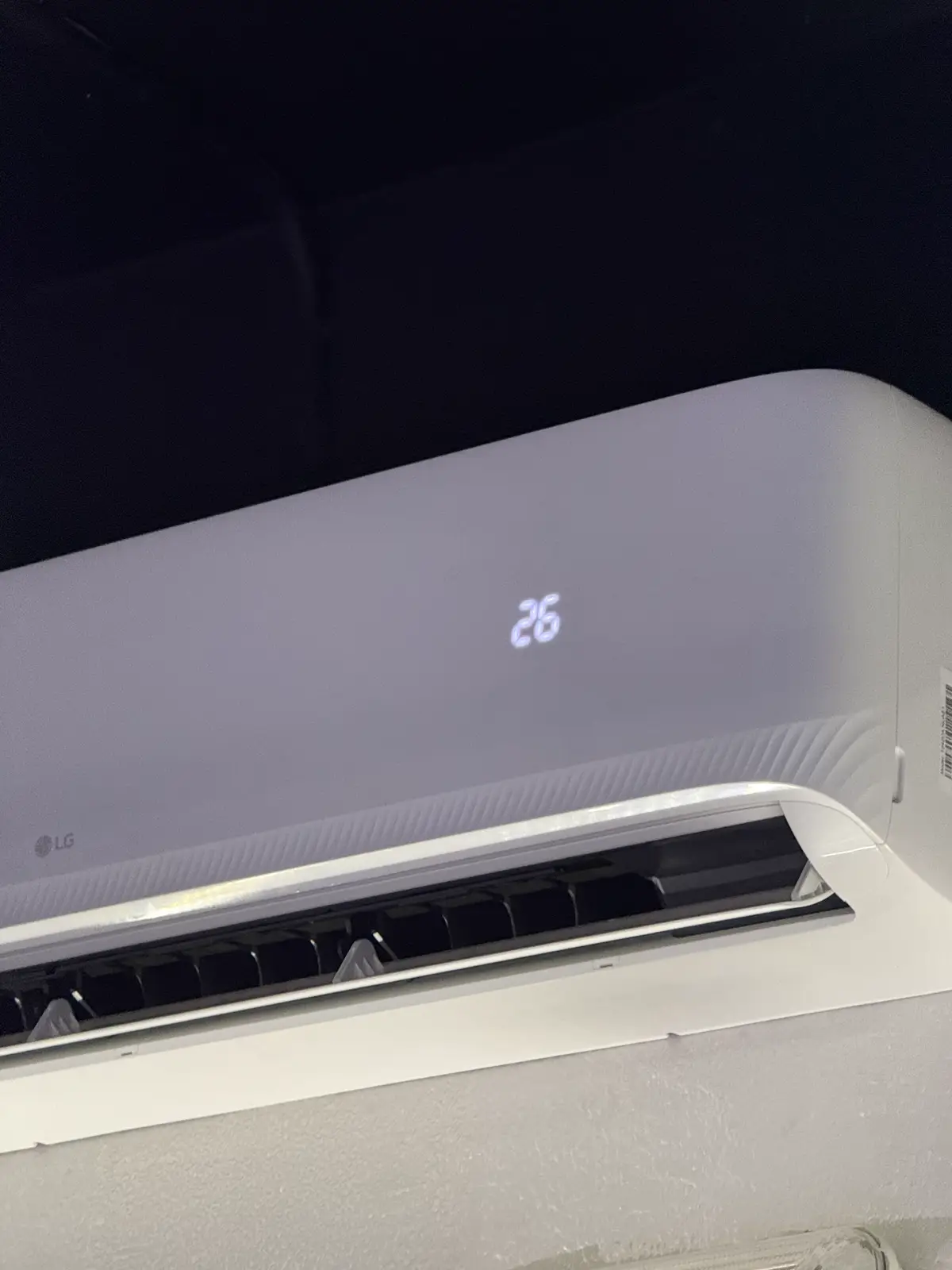
Why not just buy a smart AC?
Because the AC is fine. It only lacks a way to be told what to do. Almost every AC already accepts commands wirelessly, over infrared from its remote. If a small computer can send the same IR signal, the AC doesn’t know or care that it isn’t the remote.
So the plan: an ESP32 on Wi-Fi with an IR LED pointed at the AC, a temperature and humidity sensor next to it, and a small server that decides when to run the AC.
The hardware
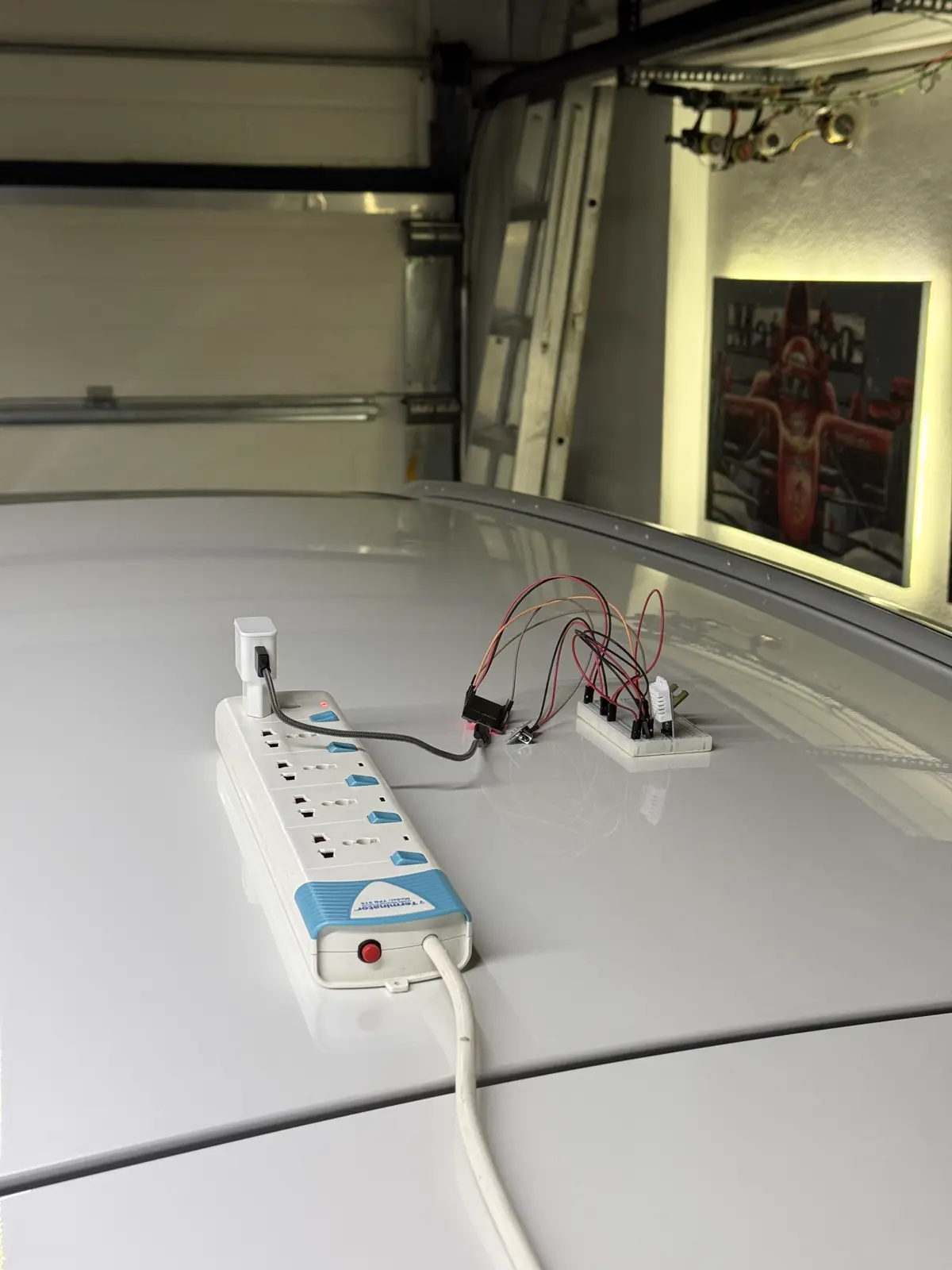
Yes, the prototype lived on the roof of a car, because that’s where it had line of sight to the AC. The parts:
- ESP32 dev board. Wi-Fi built in, costs almost nothing, runs happily off a USB charger.
- IR LED on GPIO 4. It’s the “remote”.
- DHT22 on GPIO 22 for temperature and humidity. Humidity matters as much as heat here, because mould grows when relative humidity stays high for long periods.
- IR receiver on GPIO 14, used only once, to learn the remote’s codes.
Teaching the ESP32 to be the remote
The one thing that surprised me: AC remotes don’t send “power on”. They send the entire state on every button press: mode, target temperature, fan speed, swing, power. So you capture the complete message for exactly the settings you want, and replay it.
With an IR receiver wired up and the dump example from IRremoteESP8266, I pressed ON and OFF on the real remote and got two 21-byte messages that differ only in the bytes that mean “power”:
// 25°C cool preset: the whole remote state, captured from the real remote
const uint8_t acOnCode[21]  = {0x83, 0x06, 0x04, 0x92, /* … */ 0x38, 0x00, 0x39};
const uint8_t acOffCode[21] = {0x83, 0x06, 0x04, 0x92, /* … */ 0x28, 0x00, 0x29};

if (message == "ON") {
  irsend.sendKelon168(acOnCode, 168);
  client.publish(mqtt_status_topic, "ON");
}
The ESP32 itself is dumb on purpose. It subscribes to an MQTT topic, fires the matching IR code, reads the sensor when asked, and reports back. All the decisions happen on the server.
What it does every day
Once it’s set up, nobody has to touch anything. On a schedule, the system automatically turns the AC on, lets it run, and turns it off again:
| Run | AC on | AC off | Why |
|---|---|---|---|
| Afternoon | when the garage is at its hottest | two hours later | knock the heat down before it builds up |
| Overnight | in the small hours | two hours later | pull humidity down while the garage is closed and damp |
That’s two two-hour runs a day, at the same times every day. Any time in between, the AC can also be switched on or off by hand, or started for a fixed 45 or 90 minutes before someone goes in. The system turns it off again by itself when the time is up.
The brain: schedules that survive restarts
The server is a small TypeScript app with Inngest for scheduling. The core is two cron functions, one that switches the AC on for the hottest part of the day and one that switches it off:
export const turnAcOn = inngest.createFunction(
  { id: 'turn-ac-on', name: 'Turn AC ON' },
  [{ cron: '0 12 * * *' }, { cron: '0 0 * * *' }, { event: 'ac/turn.on' }],
  async ({ step }) => {
    for (let i = 1; i <= 3; i++) {
      await step.run(`publish-ac-on-command-attempt-${i}`, async () => {
        mqttClient.publish(MQTT_COMMAND_TOPIC, 'ON');
      });
      if (i < 3) await step.sleep('wait-10s', '10s');
    }
  }
);
Two details here are worth stealing:
- Send it three times. IR is fire-and-forget. There’s no acknowledgement from the AC, and one missed blink means a hot garage for the whole day. Because the command is the full state rather than a toggle, repeating it is harmless, since “ON at 25 °C” three times is still ON at 25 °C.
- Every schedule is also an event. The same function runs on the cron or when it receives
ac/turn.on, so it can be triggered from a phone shortcut when someone’s about to go in.
There are also “cycle” functions: on now, off in 45 or 90 minutes. The wait is a durable
step.sleep, so if the server restarts in the middle, the AC still gets switched off on time.
A cron job with setTimeout would forget.
Proving it works
Every five minutes the server asks the ESP32 for a reading and stores it in Postgres, next to a log of every ON/OFF. Point Grafana at it and you get both on one chart: room temperature and humidity, with the AC’s on and off times alongside.
That chart is the point of the whole project. Instead of “I think it’s better”, you can see the temperature drop after each ON and humidity come down with it, because an AC dehumidifies as it cools. It also shows whether the schedule is right. If humidity creeps back up for hours after the AC turns off, the next cycle needs to start earlier.
What I’d do differently
- Close the loop. Right now it’s time-based. The obvious next step is letting humidity decide: run the AC whenever it’s been above ~60% for a while, not only at fixed times.
- Get it off the car roof. A small enclosure on the wall facing the AC, powered from a proper outlet.
- A status LED. Seeing “it just sent ON” from across the garage is more reassuring than a dashboard.
The code
Everything, both the ESP32 firmware and the server, is on GitHub: github.com/Techblogogy/climate-control. The README covers wiring, flashing, capturing codes for your own AC, and running the server with Docker.
Total hardware cost was a few dollars. The garage stopped smelling like a basement.